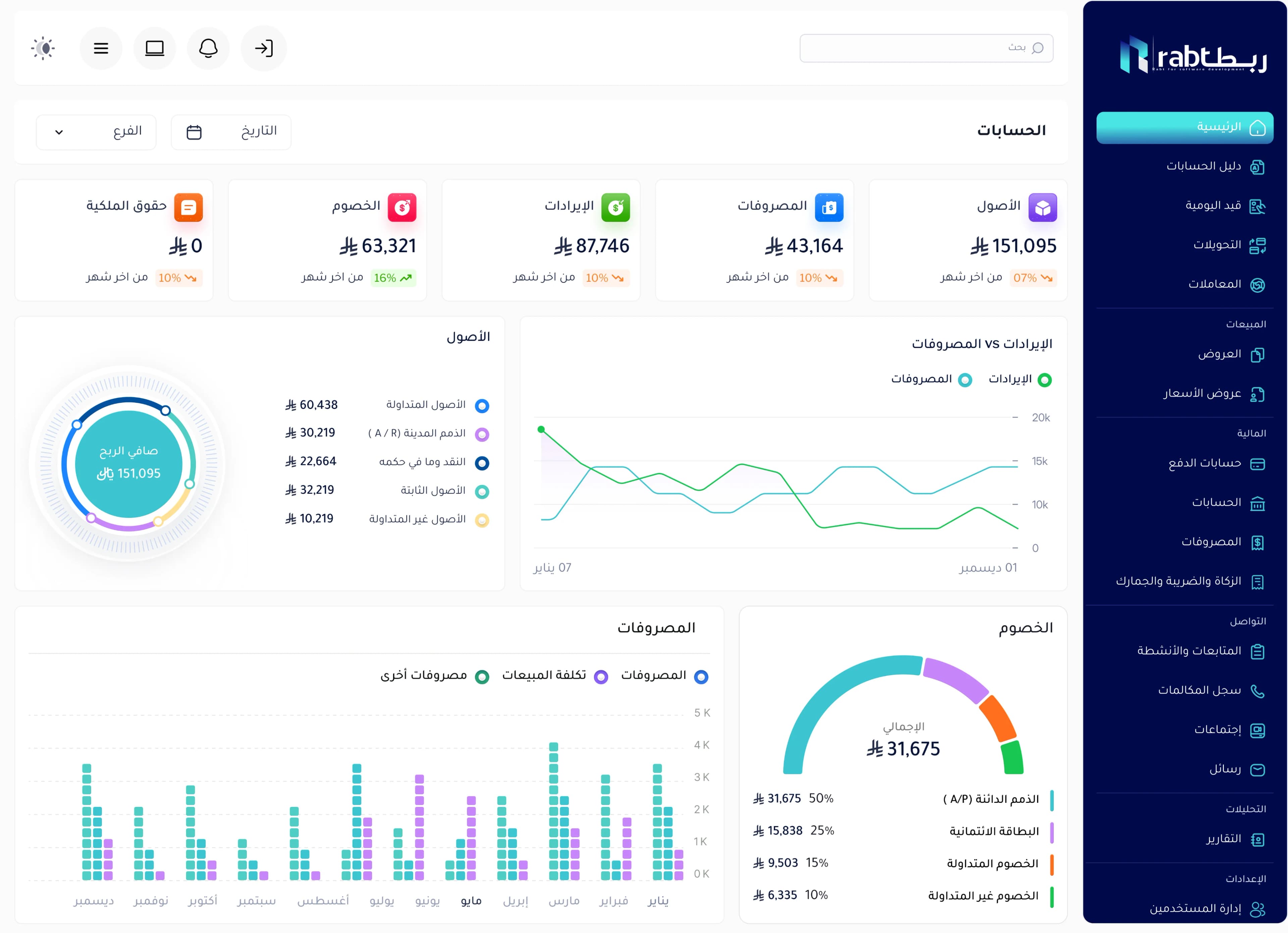
An ERP (enterprise resource planning) system is one piece of software that connects a company’s departments — sales, inventory, purchasing, accounting, customers and branches — on a single database. Each transaction is recorded once and shows up instantly in every department and report, instead of living in separate Excel files that are re-typed by hand.
What does ERP mean?
ERP stands for Enterprise Resource Planning. The idea is simple: instead of every department having its own program or spreadsheet, the whole company works in one system with one set of data.
When a cashier sells an item in a branch, the system deducts it from that branch’s stock, posts the accounting entry, and updates the sales report and dashboard — all at the same moment, with nobody re-entering anything.
An easy rule to remember: in an ERP system, information is entered once and every department that needs it uses it.
What does an ERP system include? The core modules
An ERP system is made of modules. Each serves a department, but they are all connected. These are the most common in trading and service companies:
| Module | What it does | Connected to |
|---|---|---|
| Sales and POS | Quotes, invoices and in-store selling | Inventory, accounting, customers |
| Inventory and warehouses | Stock of every item in every warehouse and branch, and transfers | Sales, purchasing |
| Purchasing and suppliers | Purchase orders, receiving and supplier payables | Inventory, accounting |
| Accounting and reports | Entries, taxes, expenses and financial reports | Every module |
| CRM | Customer records, follow-ups and opportunities | Sales, communication |
| HR | Employees, attendance and payroll | Accounting |
There are also industry modules such as manufacturing and production orders, restaurant management, maintenance, projects and e-commerce.
Why do companies use ERP?
- One version of the numbers: sales, inventory and accounting agree, so nobody argues about which file is right.
- Faster decisions: live reports per branch and item instead of waiting for month-end.
- Fewer errors: no manual re-entry, no copying between files.
- Better control: permissions define what each employee can see and change, with a log of every action.
- Growth without chaos: add a branch, warehouse or user without building a new system.
When does your company need ERP?
Not every small business needs ERP on day one. These signs usually mean the time has come:
- You spend hours every week reconciling sales with inventory and accounting.
- You cannot tell an item’s stock in a given branch without calling someone or counting.
- You depend on one person who “understands the Excel file”, and work stops when they are away.
- You opened a second branch or warehouse and tracking became hard.
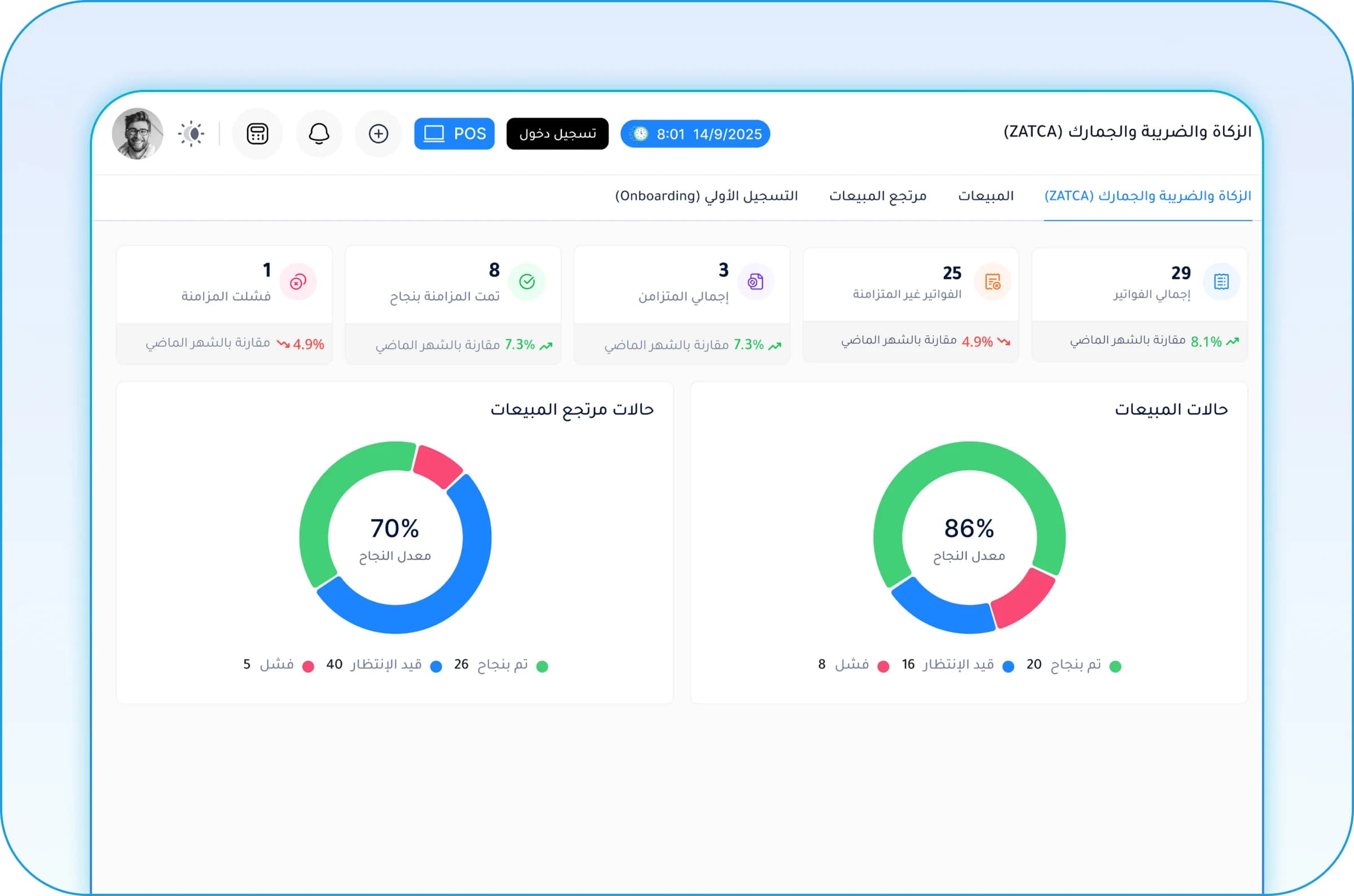
- You need e-invoices that meet your country’s tax requirements.
If two or more apply, manual work is probably costing you more time and money than a system would. See also our article on moving from Excel to ERP.
How to choose the right ERP in Egypt and Saudi Arabia
The real question is not “what is the best ERP?” but “which system fits the way my company works?”. Check these points before deciding:
- Local tax compliance: ZATCA e-invoicing (both phases) in Saudi Arabia; the ETA e-invoice and e-receipt systems in Egypt.
- Full Arabic: interface, invoices and reports — not a partial translation.
- Customization: can invoices, reports and workflows be adapted to you, or will you change how you work to fit the software?
- Gradual start: can you begin with two modules and add the rest later?
- Cloud: follow branches from anywhere without servers in your office.
- Local support: a team that speaks your language, knows your market and works your hours.
- Integrations: WhatsApp, your online store and the systems you already use.
How ERP is implemented, step by step
- Understand how you work today: departments, branches, documents and the reports you need.
- Choose the starting modules and set priorities.
- Set up the system: items, chart of accounts, warehouses, permissions and invoice layouts.
- Load opening data: balances, customers and suppliers.
- Train the team on daily use.
- Go live and follow up closely in the first weeks, then add modules as needed.
The most common reason ERP projects fail is trying to roll out everything at once. Starting with the basics and expanding lowers risk and helps the team adopt the system faster.
Rabt ERP by RSD
Rabt is the ERP system from RSD (Rabt for Software Development). It connects sales, inventory, purchasing, customers, accounting and branches in one system. You start with the modules you need today and add more as you grow, and we tailor invoices, reports and workflows to the way you work.
Rabt runs in the cloud so you can follow your branches from any device, and you can add WhatsApp automation, AI solutions and integrations with your current systems when you need them, with ZATCA e-invoicing support in Saudi Arabia depending on implementation.
Frequently asked questions
What is the difference between ERP and accounting software?
Accounting software covers entries and financial reports only. ERP includes accounting and connects it to sales, inventory, purchasing and customers, so financial figures come automatically from real transactions instead of manual entry.
Is ERP suitable for small businesses?
Yes, if the system lets you start with a few modules and users. Many small businesses start with sales and inventory only, then add accounting and purchasing as they grow.
Do I need servers in my office to run ERP?
Not necessarily. Cloud ERP systems such as Rabt run over the internet, so you need no servers or IT team to manage them, and you can follow your branches from anywhere.
How long does ERP implementation take?
It depends on the number of modules, branches and the volume of data. Starting with the core modules is much faster than rolling out the full system at once, and you can expand once the team is comfortable.
Does Rabt support e-invoicing in Saudi Arabia?
Rabt supports customizable invoices with a QR code and ZATCA integration depending on implementation. Contact us and we will work out what your company needs.