A good point-of-sale (POS) system does more than print receipts. It is where your company’s numbers start: every sale should deduct stock, post to accounting and appear in reports instantly. So the most important question when choosing is: is the POS connected to inventory and accounting, or is it an island?
What is a POS system?
A POS system is the software and hardware a cashier uses to record sales, take payment and issue a receipt or invoice. It usually includes the sales screen, a barcode scanner, a receipt printer, a cash drawer and sometimes a card terminal.
The real difference between systems is not the screen — it is what happens after you press “sell”.
Must-have POS features
- Fast selling by barcode or item search, with weights and different units.
- Multiple payment methods: cash, card, transfer and split payments on one invoice.
- Cashier and supervisor permissions: who can give discounts, accept returns or void an invoice.
- Shift management: opening and closing shifts and reconciling the drawer.
- Customizable receipts and invoices with your logo, details and QR code.
- Clear reports: best sellers, and sales per cashier, branch and hour.
Why the POS must connect to inventory and accounting
| Standalone POS | POS connected to ERP | |
|---|---|---|
| Inventory | Updated by hand or with a file at day-end | Deducted with every sale in real time |
| Accounting | The accountant re-enters sales | Entries post automatically |
| Reports | From several sources, need combining | One report for all branches |
| Stock-outs | Discovered when a customer asks | Visible in reports so you reorder early |
| Discrepancies | Common and hard to trace | Fewer, and every move is logged by user |
If your accountant spends hours typing cashier sales into another system, you are paying for a standalone POS every day.
POS across several branches
The second branch brings new questions: how much of an item is left in each branch? Which branch sells more? Are prices consistent? A multi-branch system should offer:
- Separate stock per branch, with transfers between branches.
- Shared or branch-specific prices and promotions.
- Per-branch reports and a combined company report.
- Cloud access to follow everything without visiting the branch.
POS and e-invoicing
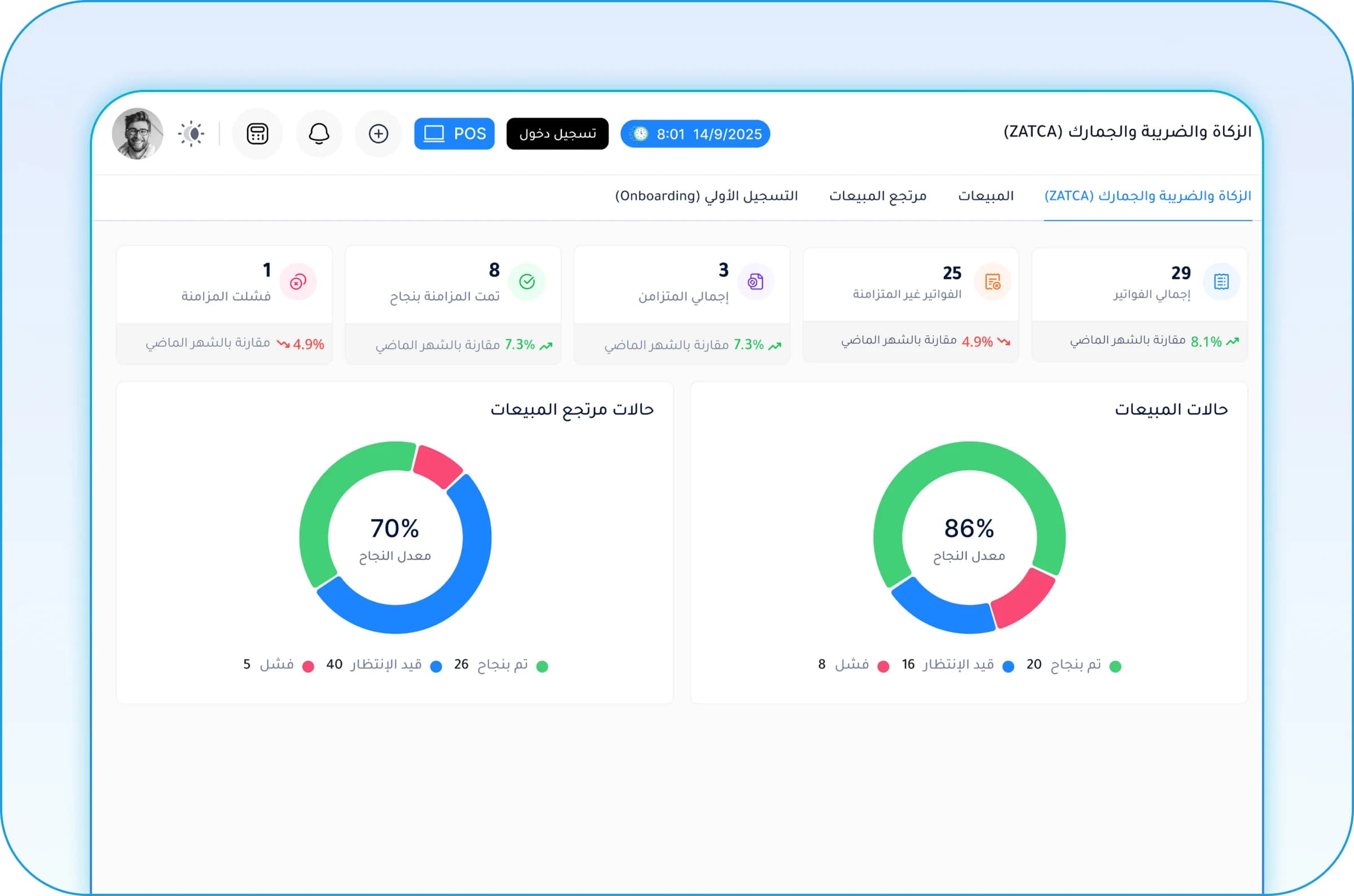
In Saudi Arabia, receipts to consumers are simplified tax invoices that must come from a ZATCA-compliant system and carry a QR code, and in the Integration phase they are reported to FATOORA. In Egypt, the ETA is rolling out the e-receipt system for points of sale in phases.
So ask the vendor plainly: how does your system meet my country’s invoicing requirements, and what hardware and setup does that need?
Questions to ask before buying a POS
- Does it connect to inventory, accounting and purchasing, or will I need other programs?
- What happens when the internet drops?
- Can receipts and reports be customized?
- How are new branches, devices and users added?
- Who provides support, and during which hours?
- Can I test it with my own items and real sales scenarios?
POS in Rabt
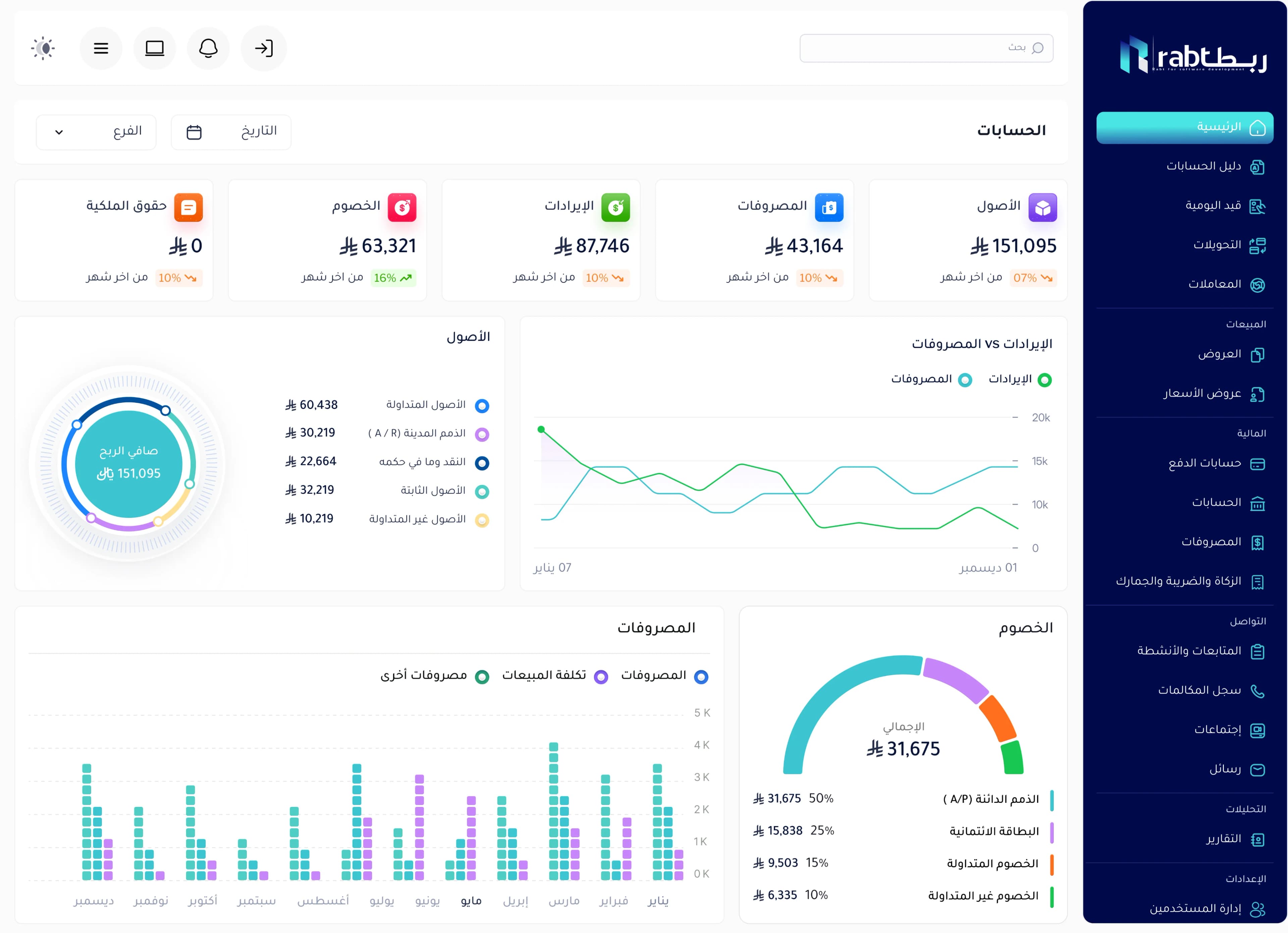
The POS in Rabt by RSD is part of a full ERP: every cashier invoice updates inventory and accounting automatically, with multi-branch support, cashier and supervisor permissions for discounts and returns, clear sales reports, and customizable invoices with a QR code depending on implementation.
Frequently asked questions
What is the difference between cashier software and a POS system?
The terms are often used for the same thing. But simple cashier software only records the sale and prints a receipt, while an integrated POS connects the sale to inventory, accounting and reports.
Does a POS system work offline?
It depends on the system. Ask the vendor what happens when the connection drops and how delayed sales are sent when it returns, especially with e-invoicing requirements.
Do restaurants need a different POS?
Restaurants need extra features such as table management, kitchen order routing, menus and recipes. Rabt offers a dedicated restaurant management solution.
Can I follow branch sales from my phone?
Yes, if the system is cloud-based. In Rabt you can follow each branch’s sales and combined reports from any connected device.