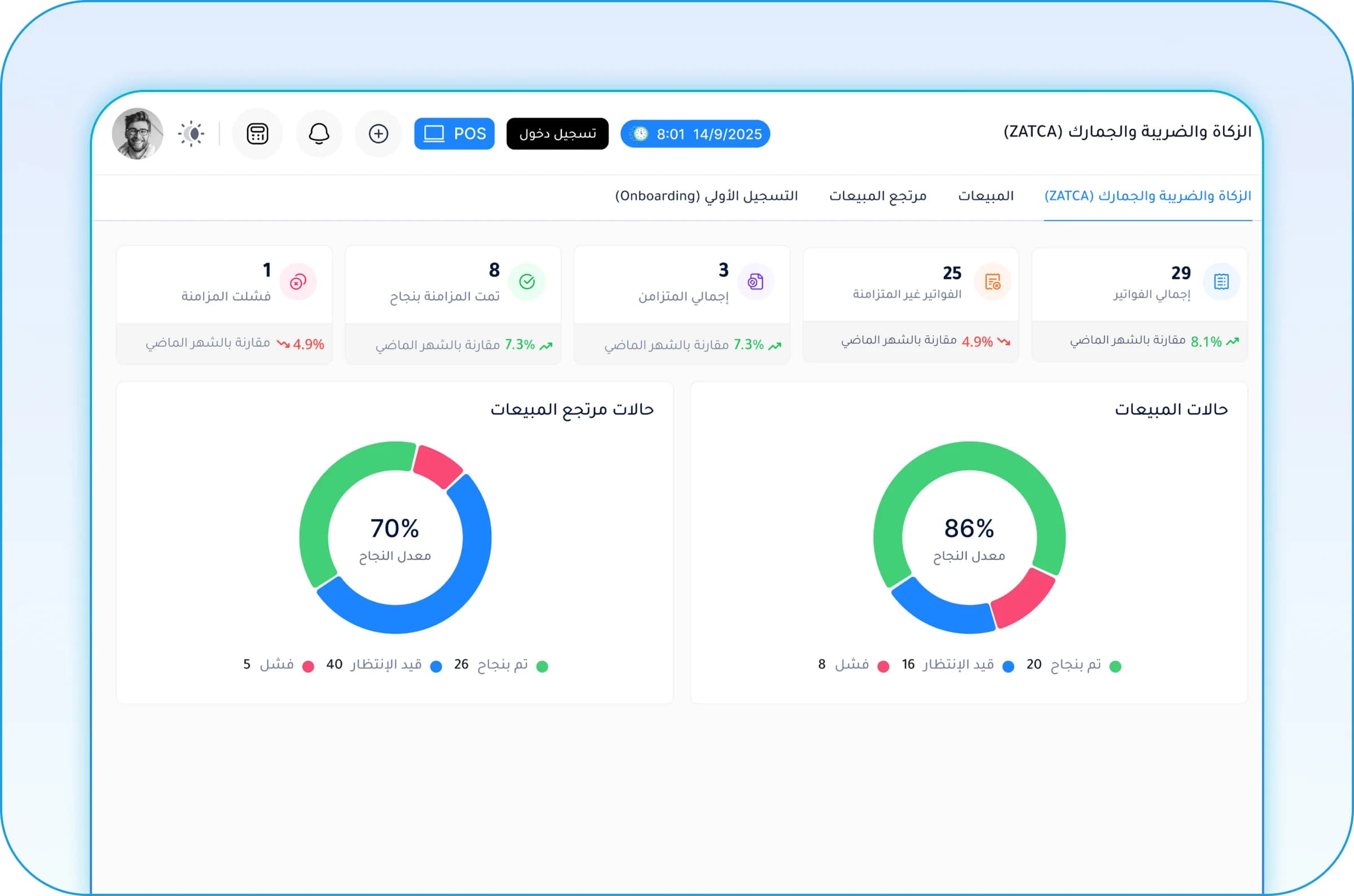
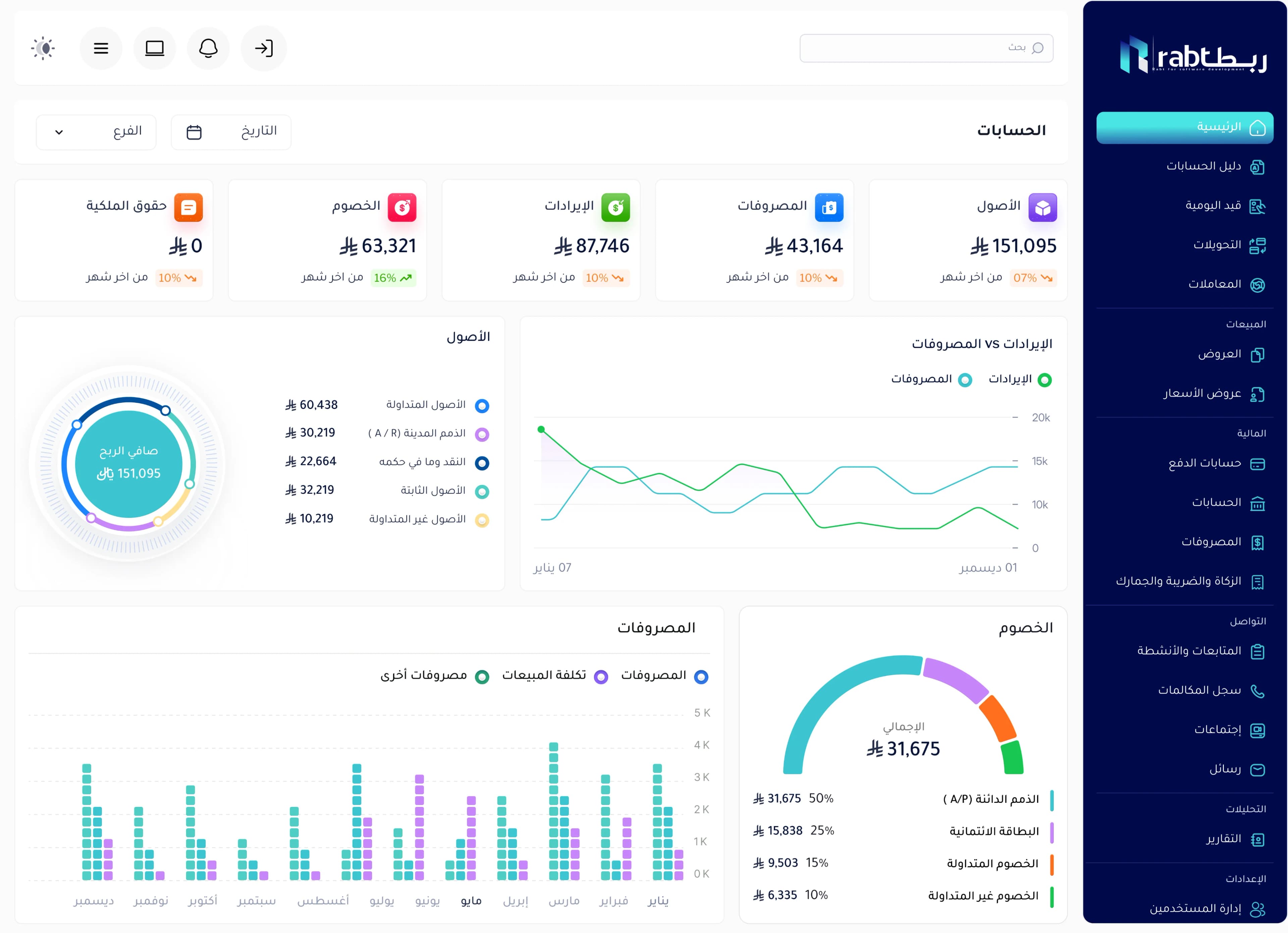
A restaurant management system connects what happens on the floor with the kitchen, the storeroom and the accounts: an order is recorded once, goes to the kitchen, deducts the recipe’s ingredients from stock and counts in sales and reports. The result is faster service and fewer mistakes — and, most importantly, you know the real cost and profit of every dish.
The daily challenges restaurants face
- Handwritten orders that get lost or misread in the kitchen.
- Peak-hour rushes and slow table service.
- Ingredient waste of unknown size, and stock that runs out suddenly.
- Not knowing each dish’s real cost and margin.
- Manual reconciliation between the cashier, inventory and accounts at day-end.
- Hard to follow more than one branch without being there.
What a restaurant management system does
A POS built for restaurants
Dine-in, takeaway and delivery orders from one screen, with table management, split bills, dish modifiers and multiple payment methods.
Orders routed to the kitchen
The order reaches the kitchen, printed or on a screen, the moment it is placed, sorted by station (grill, starters, drinks), so there are fewer mistakes and faster prep.
Recipes and inventory
Each dish has a recipe with ingredients and quantities. Every dish sold deducts its ingredients from stock automatically, so you know the real balance and can compare expected with actual usage.
Purchasing and suppliers
Purchase orders based on shortages, receiving linked to inventory, and supplier payables tracking.
Reports
Best-selling and most profitable dishes, sales by period and branch, and food cost as a percentage of sales.
How the system calculates dish cost
Dish cost = the sum of (quantity of each ingredient in the recipe × its purchase price). When recipes and purchase prices are in the system, cost is calculated automatically and updates as supplier prices change, so you know when to adjust the selling price or the recipe.
| Ingredient | Quantity | Unit price | Cost |
|---|---|---|---|
| Chicken | 250 g | 0.20 per g | 50 |
| Rice | 200 g | 0.05 per g | 10 |
| Vegetables and sauce | — | — | 12 |
| Total | 72 |
If this dish sells for 200, food cost is 36% of the price. Tracking this ratio per dish reveals dishes that sell a lot but earn little.
What to look for in a restaurant system
- Cashier speed at peak hours, and easy training for new staff.
- A real link between orders, kitchen, inventory and accounting.
- Dine-in, takeaway and delivery support.
- Recipes and cost calculation.
- Branch management from one place.
- Compliance with e-invoicing in your country.
- A QR menu connected to the menu and prices in the system.
Restaurant management from RSD
The restaurant management system from RSD is part of Rabt: the POS is connected to the kitchen, inventory and accounting, with multi-branch support and central reports, and it can be linked to a QR menu. We tailor it to the way your restaurant works and start with what you need now.
Frequently asked questions
How is a restaurant POS different from a retail POS?
A restaurant POS needs table management, kitchen order routing, dish modifiers, takeaway and delivery, and recipes linked to inventory. A retail POS focuses on barcode selling and direct stock.
How does the system reduce waste?
When each dish’s ingredients are deducted from stock automatically, you can compare expected and actual usage at the count and spot waste, poor portioning or loss.
Can I run several restaurant branches from one system?
Yes, with a central or branch-specific menu and prices, stock per branch, and separate and combined reports you can follow from anywhere.
Does it support a QR menu?
Yes. RSD offers a QR menu system that can be linked to the restaurant’s menu and prices.