It is time to move from Excel to an ERP system when maintaining and reconciling files has become a job in itself: sales figures do not match inventory, every branch has its own copy, and decisions wait for someone to “combine the sheets”. Excel is excellent for analysis, but it is not a system for running a company with several departments and branches.
7 signs your company has outgrown Excel
- Sales figures in one file do not match inventory in another, and you spend time finding out why.
- Every branch or employee has a copy of the file, and nobody knows which is latest.
- You cannot tell an item’s stock or a customer’s balance now — only “after we check”.
- Only one employee understands a key file, and work stops when they are away.
- Costly mistakes have happened because of a deleted formula, a duplicated row or a mistyped number.
- You cannot tell who changed a given number, or when.
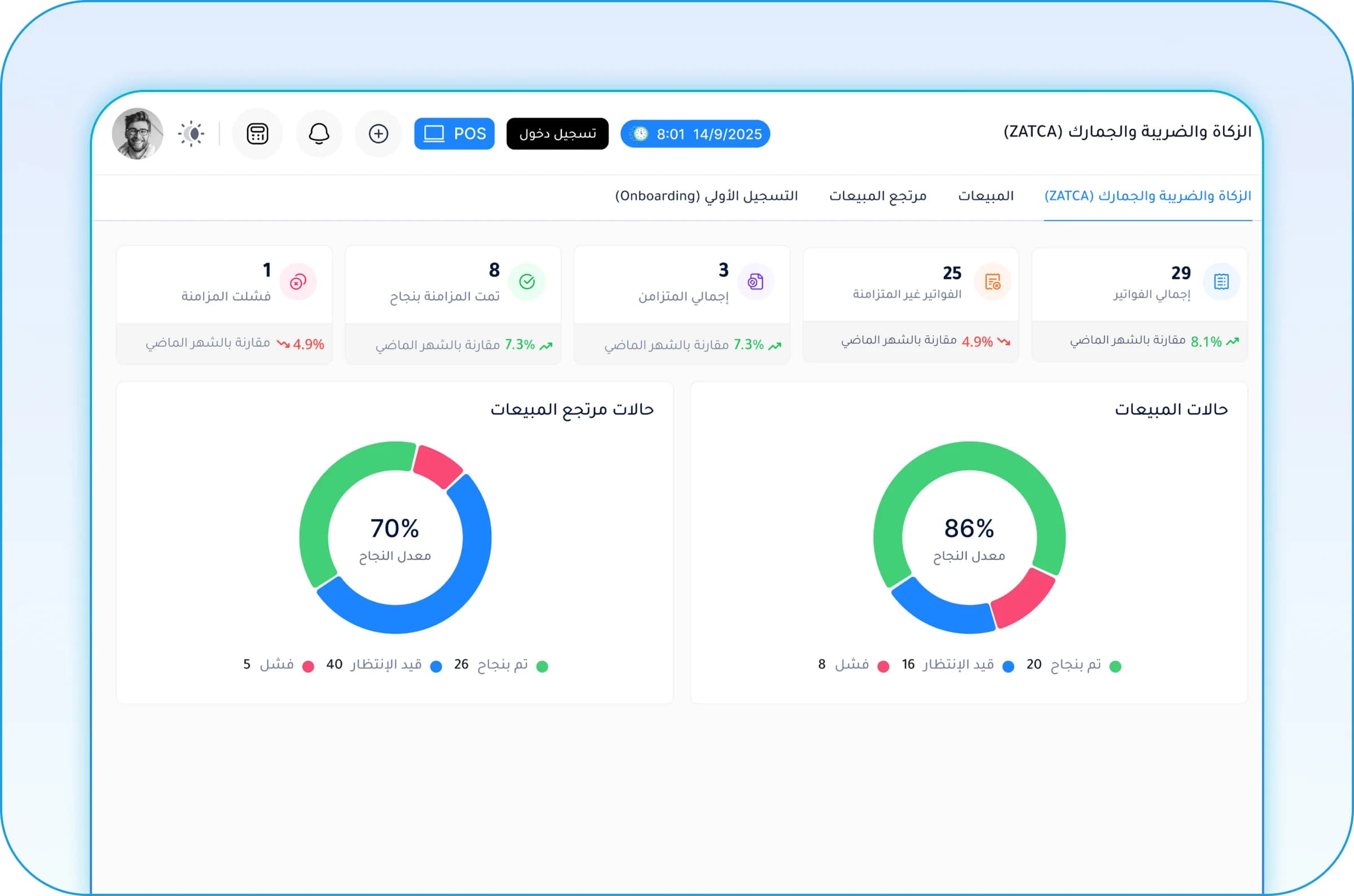
- You need tax-compliant e-invoices, and Excel cannot issue them.
Two or three of these are enough to start looking seriously at a system.
Excel or ERP? A comparison
| Item | Excel | ERP system |
|---|---|---|
| Connecting departments | Separate files linked by hand | One database for every department |
| Updating numbers | When typed and copied | Instantly with each transaction |
| Many users | Conflicting copies and edits | Simultaneous work with permissions |
| Control | Anyone can edit any cell | Permissions and a log of every action |
| Errors | Broken formulas and duplicated rows | Rules that block wrong entries |
| E-invoicing | Not possible | Supported, depending on the system |
| Cost | Looks low, high in staff time | Subscription or licence, less manual work |
The hidden cost of running on Excel
Excel looks free, but count the hours your team spends every week typing the same data into several files, reconciling numbers, chasing discrepancies and combining branch reports. Add the cost of late decisions, slow-moving stock nobody noticed, and stock-outs that lost you sales.
A quick exercise: ask everyone who works in Excel files how many hours a week they spend on entry and reconciliation. The total is usually bigger than you expect.
A safe plan for moving from Excel to ERP
- Collect all current files and note what each one does and who uses it.
- Set priorities: what causes the biggest problem now? Start there.
- Clean master data: remove duplicate items, unify customer and supplier names, review codes.
- Prepare opening balances at a set date: stock, customers and suppliers.
- Go live with a small team first, then roll out to the rest of the team and branches.
- Retire the old files on a clear date so work does not continue in two places.
- Add new modules once daily use has settled.
The riskiest stage is running both for a long time. Set a cut-off date for the old files and get management’s backing to stick to it.
Do I give up Excel completely?
No. Excel remains excellent for analysis, scenarios and presentations. The difference is that data is entered and stored in the system, and reports are exported to Excel when you need to analyse them — instead of Excel being the source of the data itself.
Moving to Rabt
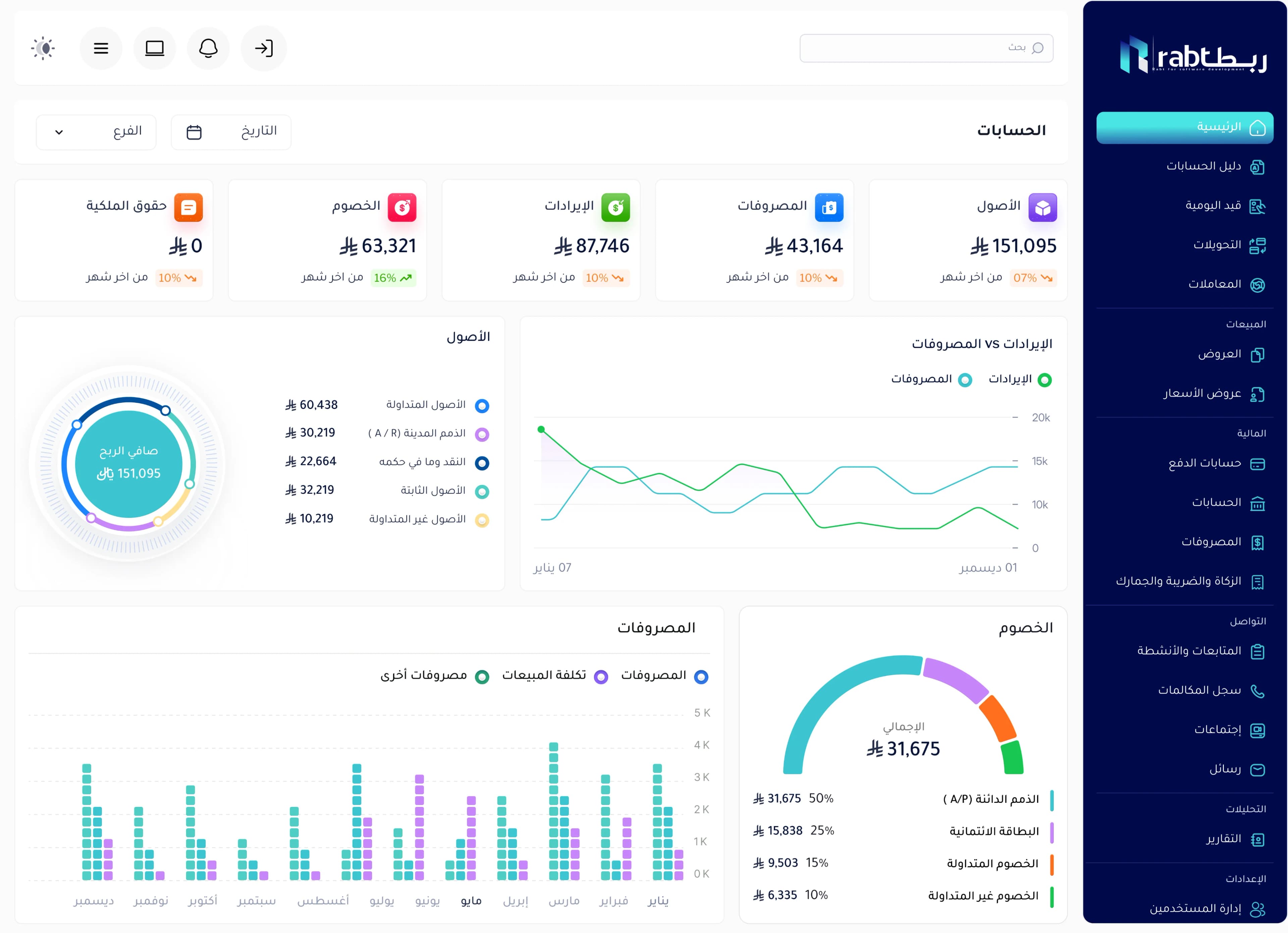
Rabt by RSD is built as a practical replacement for Excel files, paper and manual entry: it connects sales, inventory, purchasing, customers, accounting and branches in one system. You start with the modules you need, we help you migrate your data and train your team, and we tailor invoices and reports to the way you work.
Frequently asked questions
Can I move my data from Excel into an ERP system?
Yes. Items, customers, suppliers and opening balances are usually imported from Excel files after they are cleaned and put in a consistent format. Data quality before the move matters more than the import method.
Is ERP expensive compared with Excel?
Excel looks cheaper, but its real cost is in hours of entry and reconciliation, errors and late decisions. Cloud ERP systems that start with a few modules make the first step affordable for small and mid-sized companies.
How long does moving from Excel to ERP take?
It depends on the number of modules and branches and the state of your data. Starting with two or three modules and clean data is much faster than moving everything at once.
Will employees accept the new system?
They accept it faster when they see it saves them repeated entry and reconciliation. Starting with a small team, hands-on training and a clear date for retiring old files all help.