
The best ERP system for your company in Egypt is the one that fits your size and the way you operate, not necessarily the best known or the one with the most features. A system built for a global corporation can be complex and costly for a mid-sized factory, and simple accounting software may not be enough for a distributor with several branches. In this article we compare five systems used in Egypt: Odoo, SAP Business One, Microsoft Dynamics 365, Daftra and Rabt. We at RSD build Rabt, so we made a point of presenting each system with its real strengths and saying clearly when another one is the better choice.
How to choose an ERP system in Egypt: 6 criteria
- E-invoicing: mandatory for VAT-registered companies in Egypt. Ask whether the connection to the Tax Authority platform is part of the system or a separate add-on bought from a partner.
- Arabic: do the interface, invoices and reports fully support Arabic?
- Customization: can the workflow and reports be set up around how your company works, and who will do it?
- Branches and warehouses: with more than one branch, is stock real-time and are transfers between branches clear?
- Support and implementation: who will implement the system and train your team, and is support available in Arabic during your working hours?
- Total cost: not just the subscription, but implementation, customization, add-ons, training and yearly support.
The five systems
1. Odoo
An open-source system made of separate apps (accounting, inventory, sales, HR...) that you enable as needed. Its official documentation states it complies with Egyptian e-invoicing requirements from version 15.
- Good for: companies with a technical team or a trusted implementation partner that want the flexibility to build their own add-ons.
- Watch out for: the experience depends heavily on the implementation partner, and some features are only in the paid Enterprise edition. Ask before you sign.
2. SAP Business One
SAP’s system for small and mid-sized companies, implemented through certified partners. The connection to Egyptian e-invoicing is done through add-ons built by partners.
- Good for: mid-sized and large companies, and branches of global groups that use SAP at headquarters.
- Watch out for: implementation takes time and costs more than the licence, and the e-invoicing connection is a separate add-on.
3. Microsoft Dynamics 365
A family of Microsoft systems: Business Central for mid-sized companies, and Finance and Supply Chain for larger ones. Microsoft’s documentation covers setting up Egyptian e-invoicing in Dynamics 365 Finance, while Business Central relies on partner add-ons.
- Good for: companies that rely on Microsoft tools (Microsoft 365 and Power BI) and want a system from the same family.
- Watch out for: you need an implementation partner, and the full cost includes per-user licences, implementation and local add-ons.
4. Daftra
Arabic cloud accounting and ERP software you subscribe to and start using right away. It supports the connection to Egyptian e-invoicing from inside the software, with EGS or GS1 coding and an e-signature certificate.
- Good for: small and mid-sized businesses that want ready-made invoicing and accounting without an implementation project.
- Watch out for: it is the same ready-made system for every subscriber, so if your workflow needs special customization, ask about its limits before subscribing.
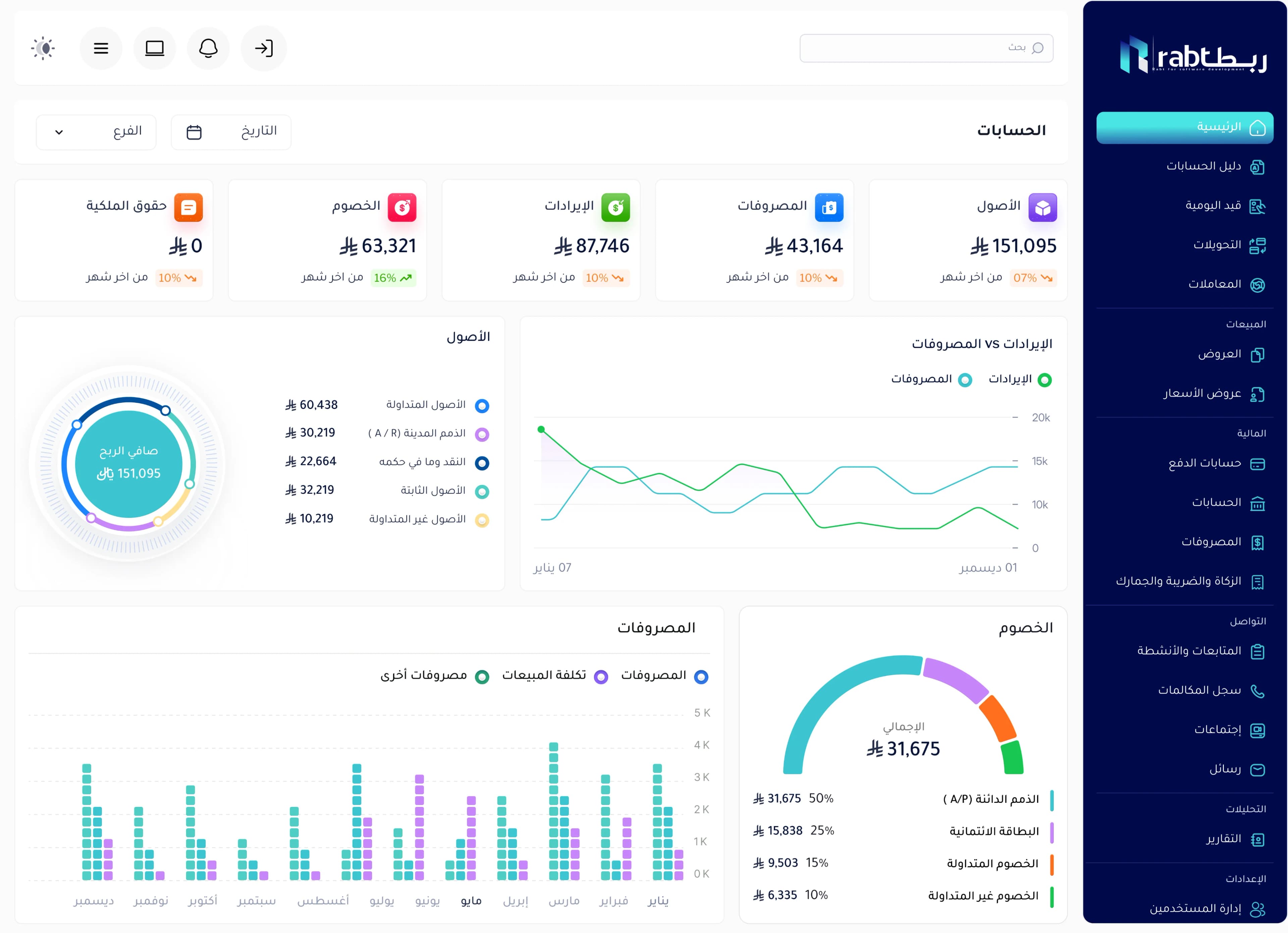
5. Rabt by RSD
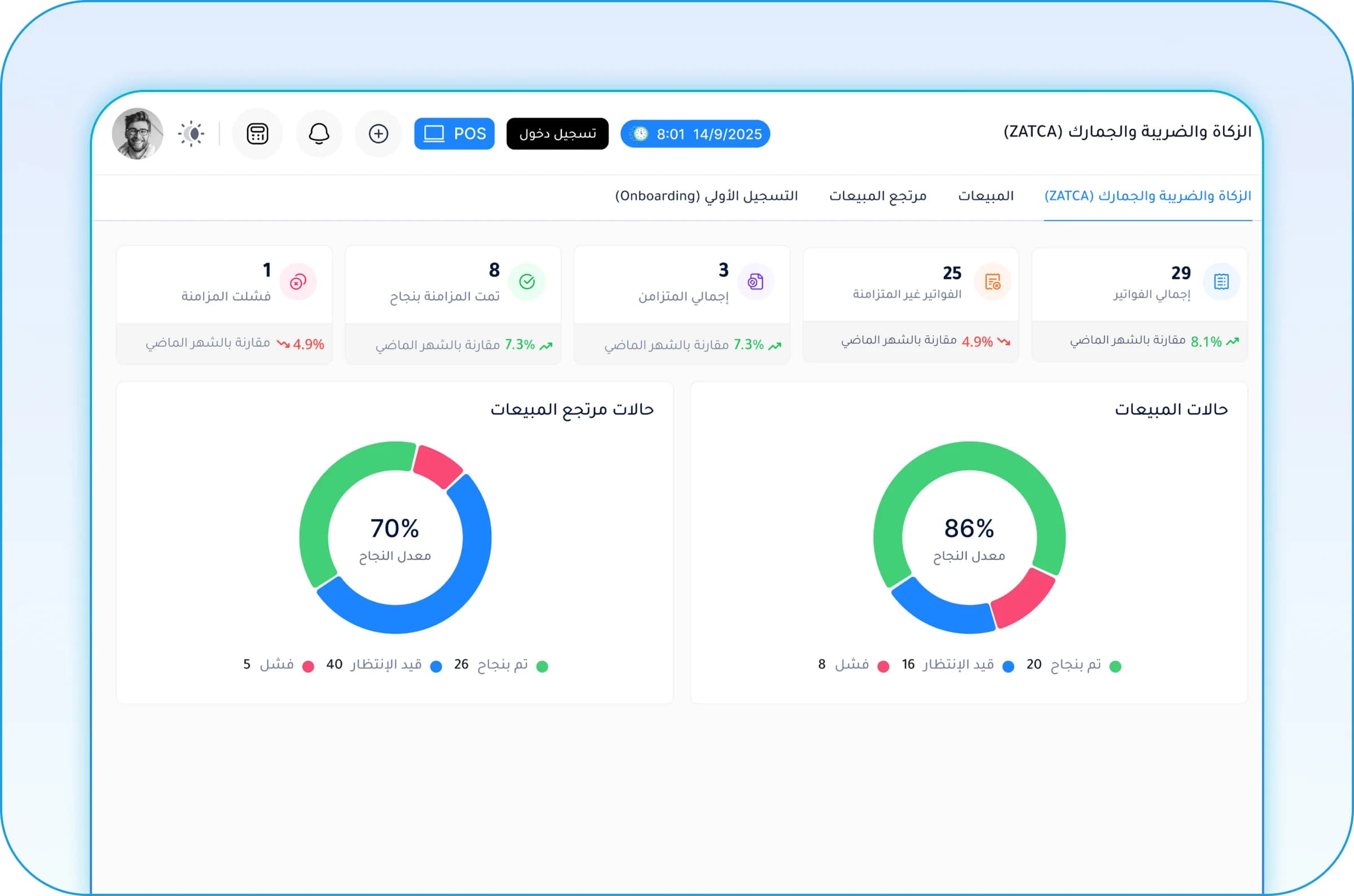
An Egyptian system that connects sales, inventory, purchasing, customers, accounting and branches in one platform. It is modular, so you start with the modules you need; it runs in the cloud; and RSD’s own team customizes it fully around how each company operates. It includes POS and CRM, can be connected to WhatsApp Automation, automation and AI solutions, and the connection to Egyptian e-invoicing is available depending on the implementation, as is ZATCA for companies in Saudi Arabia.
- Good for: mid-sized Egyptian companies (factories, distribution and wholesale, restaurants, contracting, multi-branch businesses) that want a system set up around how they work, with a local team close by.
- Watch out for: it is newer on the market than the global systems, so ask for a hands-on demo on data similar to yours before deciding.
Comparison table
| System | Best for | Deployment | Egyptian e-invoicing | Customization | Implementation |
|---|---|---|---|---|---|
| Odoo | Companies with a technical team or partner | Cloud or on the company’s server | Supported from version 15 | Broad, through a partner or developer | Odoo partners |
| SAP Business One | Mid-sized and large companies | Cloud or on the company’s server | Through partner add-ons | Through the partner | SAP partners |
| Microsoft Dynamics 365 | Mid-sized and large companies using Microsoft tools | Mainly cloud | Finance: documented by Microsoft. Business Central: partner add-ons | Through the partner | Microsoft partners |
| Daftra | Small and mid-sized businesses | Cloud (subscription) | Supported inside the software | Within the software’s settings | Self-service |
| Rabt | Mid-sized and multi-branch Egyptian companies | Cloud | Available depending on the implementation | Full, by RSD’s own team | RSD team |
Information about the other systems comes from their official websites and their partners’ websites as of November 2026 and may change. Check with the vendor before deciding.
Frequently asked questions
What is the best ERP software in Egypt?
There is no single best system for everyone. The best one fits your company size, supports e-invoicing, can be set up around how you work, and has support close to you.
Do I need an ERP or is accounting software enough?
If you have a warehouse, more than one branch or a sales team, you most likely need an ERP that connects those departments. Accounting software alone is enough for small, simple businesses.
Is e-invoicing mandatory in Egypt?
Yes, for VAT-registered companies, along with the e-receipt for direct sales to consumers.
Is a cloud system better than one installed on the company’s server?
Cloud saves the cost of servers and maintenance, and you can reach it from anywhere. On-premises suits companies with special data-storage requirements.
How long does an ERP implementation take?
It depends on the number of modules and branches, how much customization you need and how ready your data is. Start with the most important modules first instead of switching everything on at once.
Sources
- Odoo documentation: Egypt localization and e-invoicing
- Microsoft documentation: Electronic invoicing in Egypt — Dynamics 365 Finance
- Egypt e-invoicing add-on for SAP Business One by a partner (ECOSIRE)
- Egypt e-invoicing add-on for Business Central by a partner (ECOSIRE)
- Daftra: connecting to Egyptian e-invoicing (Arabic)