The costliest HR mistakes are not big decisions but daily details: attendance recorded by hand, leave balances nobody knows, payroll calculated in Excel, and contracts that expire unnoticed. An HR system connected to accounting brings these details into one place and calculates them automatically.
Common HR management mistakes
1. Recording attendance by hand
Sign-in books and Excel files invite errors and manipulation, and make calculating lateness and overtime tedious. Connecting fingerprint devices or electronic check-in to the system makes the data accurate and ready for payroll.
2. Calculating payroll in Excel
One wrong formula means wrong pay for several employees. A system calculates pay from allowances, deductions, attendance and overtime using fixed rules, and produces a clear payroll sheet.
3. Unclear leave balances
When employees do not know their balance, questions and disputes multiply. The system updates the balance with every approved leave request.
4. Scattered paper employee files
Contracts, documents and qualifications in different drawers are hard to find and protect. A single electronic file stores them and controls who can see them.
5. Missing contract and document expiry dates
A contract, residence permit or licence expiring without renewal can lead to violations. Advance alerts in the system solve this.
6. Approvals over the phone and chat
Leave, advance and assignment requests approved verbally leave no trace. An electronic approval cycle records who asked, who approved and when.
7. Keeping HR separate from accounting
When HR sends payroll to the accountant in a file to re-enter, errors repeat. A direct link posts payroll entries automatically.
8. No reports
Without reports on absence, lateness, overtime and payroll cost per department and branch, data-driven decisions are hard.
Manual HR vs an HR system
| Task | Manual | With an HR system |
|---|---|---|
| Attendance | Books and files | Connected fingerprint or electronic check-in |
| Payroll | Excel calculation every month | Automatic calculation from rules and attendance |
| Leave | Paper requests and unclear balances | Electronic request and approval with live balance |
| Documents | Paper files | Electronic file with permissions |
| Alerts | Memory | Alerts before contracts and documents expire |
| Accounting entries | Re-entered | Posted automatically |
Local considerations in Egypt and Saudi Arabia
Leave, social insurance and working-hour rules differ between the two countries and are set by each country’s labour law. So the system must let you configure leave, allowance and deduction rules per country and company, rather than forcing one rule.
Review the rules that apply to your company with your legal adviser or accountant, then configure them in the system once so it applies them automatically.
HR management from RSD
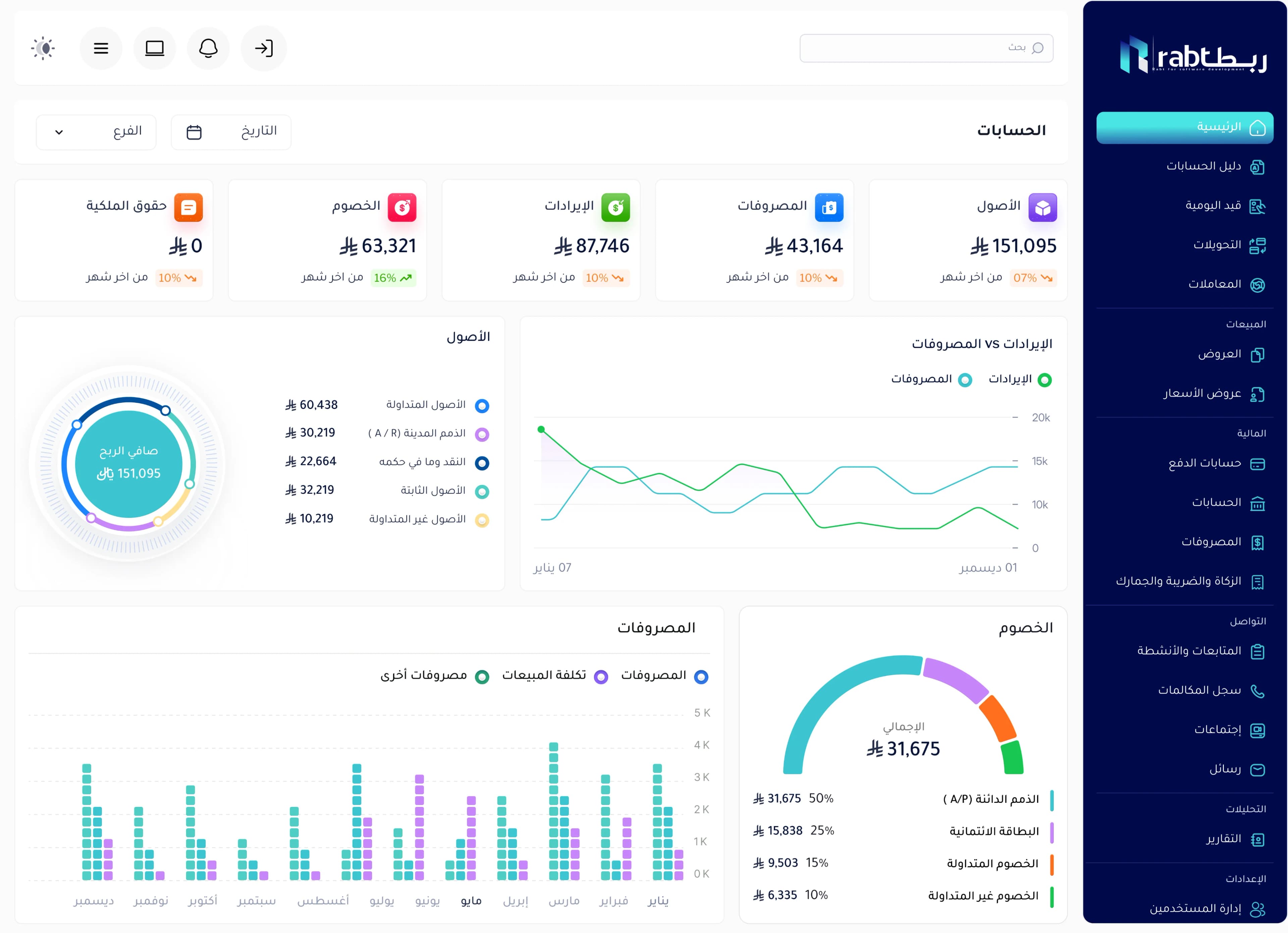
The HR system from RSD is part of Rabt: a file for each employee, attendance and leave, payroll linked to accounting, and permissions that control what each user sees. We configure the rules for your company and start with what you need now.
Frequently asked questions
What does an HR system usually include?
Employee files, attendance, leave, payroll with allowances and deductions, approvals and reports. In an ERP it is linked to accounting so payroll entries post automatically.
Can fingerprint devices be connected to the system?
Usually yes, depending on the device and connection method. Discuss it with the vendor during implementation.
Is an HR system worth it for a small company?
Yes. Even with ten employees, automatic payroll and leave calculation saves time, reduces disputes and makes growth easier later.
Does the system support different rules per branch or country?
A good system lets you set leave, allowance and deduction rules per company and branch — which is what we configure with you when implementing RSD’s system.